Glasp allows you to build your AI clone using your highlights and notes. Your AI clone generates personalized insights and recommendations based on your learning history. Your AI Clone gets smarter as you highlight more and take more notes.
Experience our advanced computer vision technology that converts images to line drawings
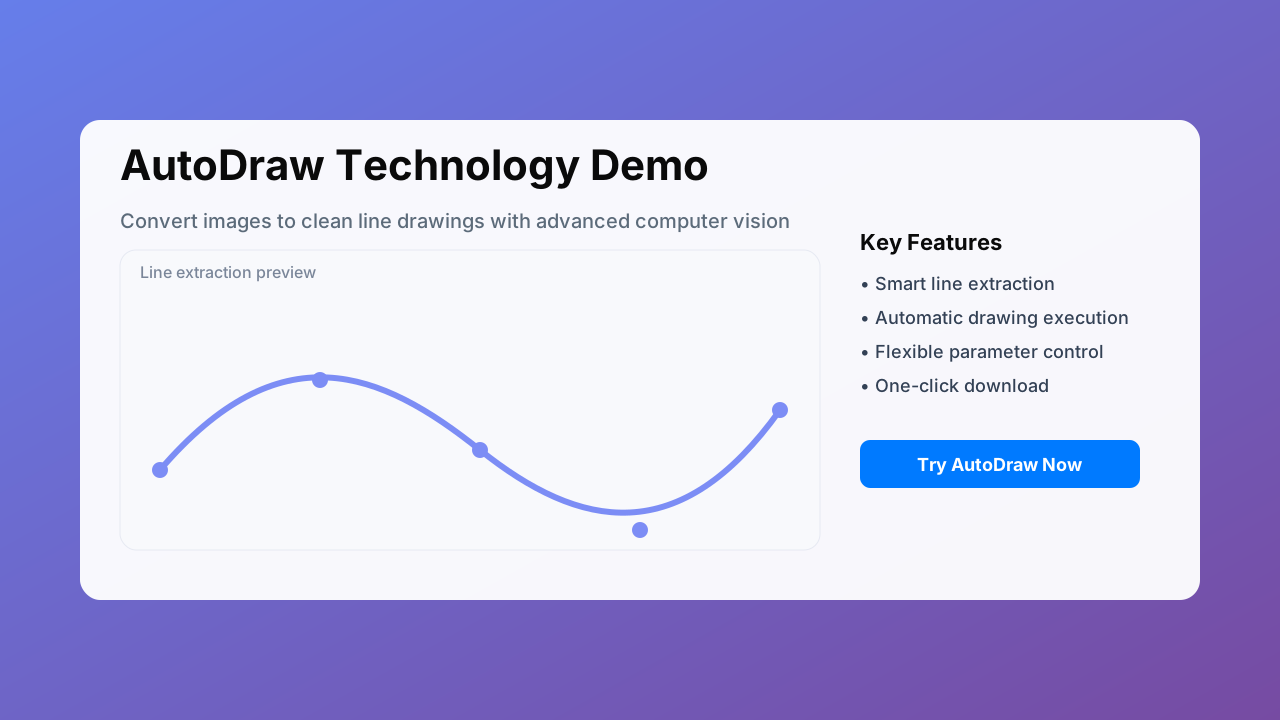
Our AutoDraw technology uses advanced computer vision algorithms to convert any image into line drawings and automatically execute drawing processes.
Highlight text directly on web pages and PDFs, just like a physical highlighter. You can also add notes to your highlights, creating a more personal and engaging learning experience.
Build an AI clone from your highlights and notes. Your AI clone generates personalized insights and recommendations based on your learning history, becoming your digital legacy.
Import your Kindle highlights and notes to Glasp. Review your Kindle highlights and notes daily, and export them to note-taking applications.
Highlight YouTube videos with timestamps. You can also add notes to your video highlights and share them with friends and peers.
Summarize any webpage, PDF, or YouTube video with AI. Supports multiple AI models including ChatGPT, Claude, Mistral AI, and Gemini.
Integrate with platforms like Obsidian, Notion, Roam Research, and Readwise to export your highlights and notes with one click.
Keep your highlights and notes seamlessly synchronized across Chrome, Safari, and mobile devices in real time.
Own your data with export options and transparent permissions. Fine-grained controls keep your knowledge private and secure.
Engage in conversations with AI clones from different fields to get professional insights and knowledge sharing. From product management to AI technology, from knowledge management to learning efficiency.
Based on your learning history and interests, your AI clone will recommend relevant content and learning resources to help you grow continuously.
As you highlight more content and take more notes, your AI clone becomes smarter, providing more accurate insights and recommendations.
"I love Glasp! I use it every time I read online articles. Highlighting with Glasp enforces me to actually read rather than scan through an article. I retain so much more info and can easily revisit my previously read articles to recall details and notes I've made."
"I've researched every highlighting tool from Liner and Hypothesis to Instapaper and Pocket, and Glasp is the best hands-down. First, it creates a whole category of its own with social highlighting. This is important because it helps learners get recognized for finding amazing highlights."
"Glasp drastically reduces the time for note-taking for me. I needed a common platform to keep references and notes, where everyone could seamlessly collaborate. In any situation that requires collaboration, it often acts as a references repository for our knowledge base."
Supports Chrome, Safari, Edge, Brave, Opera
4.7 Star Rating (1,000,000+ Users)
Glasp AI learns from your highlights and notes to build a personalized AI clone. As you highlight content and add notes, your AI clone becomes smarter and provides more relevant insights and recommendations.
Yes, your data is encrypted and secure. You have full control over your highlights and can choose what to share publicly or keep private. You can also export your data at any time.
Glasp supports Chrome, Safari, Edge, Brave, and Opera browsers. We also have mobile apps and integrations with Obsidian, Notion, Roam Research, and Readwise.
Glasp offers a free tier with generous limits. Premium features are available for advanced users who need more storage and AI capabilities.
Yes, you can export your highlights to various formats including Markdown, PDF, and integrate with popular note-taking apps like Obsidian and Notion.
Your AI clone learns from your highlighting patterns, notes, and reading habits. The more you use Glasp, the better it becomes at understanding your interests and providing relevant recommendations.
Add Glasp to your browser and create your free account in under 2 minutes.
Highlight important content on any webpage, PDF, or YouTube video. Add notes to explain why you highlighted it.
As you highlight more content, your AI clone learns your interests and provides personalized insights.
Discover other users' highlights, follow experts in your field, and build your knowledge network.
"Glasp transformed my research workflow. I can now quickly find connections between papers and my AI clone suggests relevant studies I might have missed."
"My AI clone helps me generate content ideas based on my reading history. It's like having a research assistant that knows exactly what I'm interested in."
"Glasp helps me organize my study materials and my AI clone provides personalized study recommendations. My grades improved significantly!"
Only highlight content that truly resonates with you. Quality over quantity helps your AI clone learn your preferences better.
Write 2-3 sentences explaining why you highlighted something. This context helps your AI clone understand your thinking process.
Create a tagging system and stick to it. Consistent tags help organize your knowledge and improve AI recommendations.
Set aside 15 minutes weekly to review your highlights. This reinforces learning and helps your AI clone provide better insights.
Follow users who share your interests. Learning from others' highlights expands your knowledge and improves your AI clone.
Export your highlights to Obsidian, Notion, or other tools. This creates a comprehensive knowledge management system.